

TL;DR

Get everyday essentials delivered free with Prime
- Fast, free delivery on millions of items
- Prime Video, Amazon Music and more included
- Member-only deals all year
Building an AI workstation used to be cheaper, but recent shortages and price spikes mean prebuilt systems often match or beat DIY costs. The choice now hinges on your need for customization versus convenience, speed, and support.
Imagine you’re ready to ramp up your AI game. You’re faced with a choice: build a custom machine from scratch or buy a prebuilt system that’s ready to go. That decision no longer hinges only on saving money; it’s about speed, control, and how much hassle you’re willing to handle.
The AI boom has reshaped the landscape. Component prices have surged, making DIY builds pricier than ever. Meanwhile, advanced prebuilt systems now come with validated thermals, support, and even noise reduction baked in. This shift makes the build vs buy debate more urgent and complex than it’s been in years.
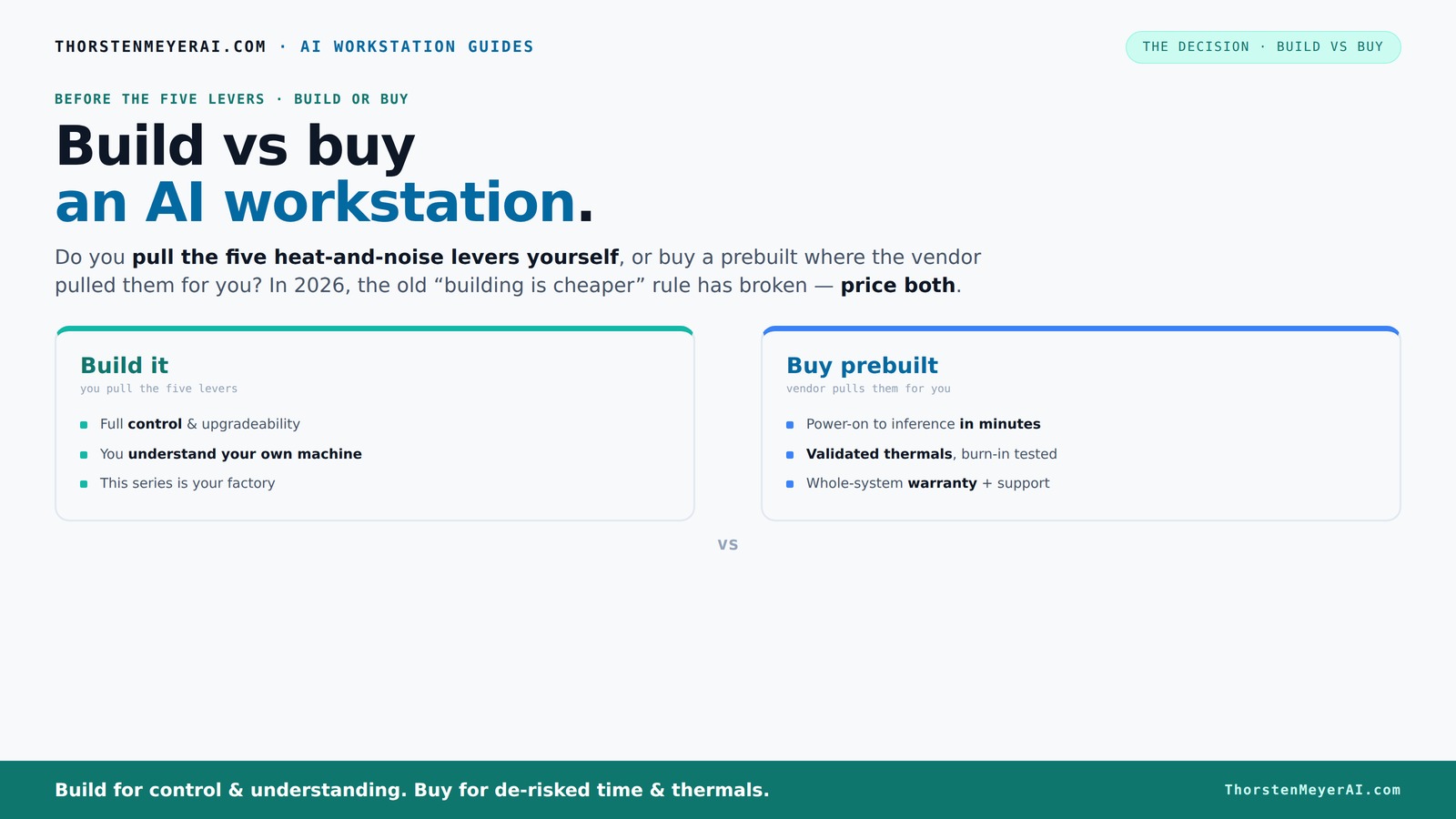
Build vs buy
an AI workstation.
The real question behind this whole series: do you pull the five heat-and-noise levers yourself, or buy a prebuilt where the vendor pulled them for you? And in 2026, the old “building is cheaper” rule has broken. Match your situation in Part 3.
Key Takeaways
- Component shortages and market spikes in 2026 have made prebuilt AI workstations often cost-competitive with DIY builds, sometimes even cheaper.
- Prebuilt systems save time and reduce hassle by offering validated thermals, stress testing, and support, especially for multi-GPU setups.
- Building your own machine provides maximum control and customization but involves higher risk, more time, and technical expertise.
- Hybrid approaches—buy the hardware, build the software—are now the most practical middle ground for many AI teams.
- Always price both options for your specific configuration today. Don’t assume DIY is cheaper or easier anymore.
As an affiliate, we earn on qualifying purchases.
Why Building Your Own AI Workstation Might Cost More Than You Think
Building your own AI workstation was once the clear winner on price. But in 2026, the story has changed. GPU shortages, RAM price spikes, and supply chain chaos have driven component costs sky-high. A build that used to cost around $1,000 now easily exceeds $1,250 or more, even before adding the OS.
Take a look at the recent GPU market — a top-tier card like an NVIDIA RTX 4090 now costs over $1,600, up from $1,200 just two years ago [1]. When you add in high-speed DDR5 RAM, NVMe SSDs, and a quality power supply, the total climbs fast. DIY no longer guarantees savings; sometimes, it just means more headaches and time.
Furthermore, the hidden costs of DIY extend beyond just parts. The time spent sourcing components, waiting for backorders, troubleshooting compatibility issues, and tuning the system for optimal thermals and noise levels can add days or even weeks to your project timeline. These factors can erode the perceived savings, especially when factoring in opportunity costs—delays in deploying your AI infrastructure can mean lost revenue or competitive advantage.
In addition, the variability in component quality and the risk of hardware failures increase when building yourself. Without professional validation, thermal management might be suboptimal, leading to overheating, throttling, or reduced lifespan of critical components. This can result in unforeseen expenses and downtime, making DIY a riskier investment than it appears on paper.
**Practical takeaway:** When considering a DIY build, factor in not just the initial costs but also the time and potential troubleshooting expenses. Use a decision matrix to compare these hidden costs against prebuilt options, especially if your project timeline is tight or reliability is critical.
As an affiliate, we earn on qualifying purchases.
Why Prebuilt AI Workstations Can Save You Time and Headaches
If you’re racing against deadlines or just want to hit the ground running, prebuilt AI workstations are a game-changer. Vendors like Lambda, Puget Systems, and BIZON don’t just assemble parts — they validate thermals, run stress tests, and optimize fan curves before shipping.
Imagine opening a box and powering up a system that’s already tuned for maximum performance and minimal noise. Many of these systems come with software stacks — CUDA, TensorFlow, Docker — preinstalled. You bypass the months of troubleshooting, BIOS tweaks, and driver updates that DIY builders often face.
This is especially true for multi-GPU setups, where thermal management becomes a delicate dance. Vendors validate cooling solutions under heavy load, reducing your risk of throttling or overheating. Think of it as buying a car that’s been fine-tuned on the factory floor, rather than building one in your garage.
Beyond thermal validation, prebuilt systems often include comprehensive warranties and support packages. This means less downtime if hardware issues arise, and quicker resolution times. The time saved from not troubleshooting hardware or waiting for parts can be the difference between launching a project on schedule or missing critical deadlines. To maximize this benefit, choose vendors that offer upgrade paths and support agreements tailored to your workload. This strategic choice ensures your investment remains relevant and scalable as your needs evolve.
**Practical takeaway:** Prioritize prebuilt vendors that perform thorough validation, offer support, and have upgrade options. This reduces your risk of delays and hardware failures, especially when deploying complex multi-GPU systems under tight timelines.
As an affiliate, we earn on qualifying purchases.
Compare Build and Buy: What Really Matters?
| Factor | Build Your Own | Buy a Prebuilt |
|---|---|---|
| Cost | Often more expensive in 2026 due to component shortages and high demand. Additional hidden costs include troubleshooting and thermal tuning, which can add days or weeks and incur extra expenses. | |
| Time to Deploy | Weeks to months, depending on part sourcing, assembly, and testing. Delays in shipping and assembly can push back project timelines significantly. | |
| Control & Customization | Full control over every component and tuning, allowing tailored performance and security configurations. However, this requires technical expertise and ongoing maintenance. | |
| Support & Warranty | Limited support; relies on individual warranties for components. Troubleshooting and repairs are user-driven, which can lead to longer downtimes. | |
| Thermal & Noise Management | You control airflow, fan curves, and cooling solutions, but this demands knowledge and time. Improper tuning can lead to thermal throttling or excessive noise. | |
| Speed & Reliability | Dependent on your expertise; errors in assembly or tuning can cause instability, thermal issues, or hardware failures. | |
| Ease & Convenience | Requires significant effort, technical skill, and patience. The process can be frustrating if parts are delayed or incompatible. | |
| Scalability | Highly customizable, but upgrades can be complex and may require additional parts or reconfiguration. Not always seamless. |
This comparison underscores that the traditional notion of DIY being cheaper and easier is no longer valid in 2026. High component costs, supply chain disruptions, and the time investment needed for troubleshooting and tuning mean that prebuilt systems often provide a better value when considering total cost of ownership, deployment speed, and reliability.
**Practical takeaway:** Use a structured decision-making framework—consider your project timeline, budget constraints, and performance needs. and your technical skill level—to decide whether building or buying aligns better with your strategic goals. In many cases, a hybrid approach—buying hardware and assembling or configuring software—can offer optimal flexibility and efficiency.
As an affiliate, we earn on qualifying purchases.
Frequently Asked Questions
Is it cheaper to build or buy an AI workstation in 2026?
Due to component shortages and rising prices, prebuilt AI workstations often cost the same or less than DIY builds today. Always price your specific configuration first.How long does it take to deploy a prebuilt vs. a custom build?
Prebuilt systems can be ready to go in days, while DIY builds typically take weeks to source parts, assemble, and tune properly.What are the hidden costs of building my own AI workstation?
Hidden costs include time spent troubleshooting, thermal tuning, potential hardware failures, and the need for ongoing support. These add up quickly, especially in complex setups, and can significantly extend project timelines or inflate total costs.Will buying a prebuilt lock me into one vendor?
Yes, most prebuilt systems depend on the vendor’s ecosystem and support. Hybrid models help mitigate this by allowing customization on top of the base hardware.Conclusion
If you’re after speed, reliability, and support, a prebuilt AI workstation often beats the DIY route today. But if control over every detail is your priority, building still has its charms — just be ready for the extra work.
In 2026, the smart move is to consider hybrid solutions: buy the platform, then customize the rest. The key is matching your project’s needs with the right approach, not just chasing the lowest upfront cost.
Columbus Day / Indigenous Peoples' Day Picks
long weekend sales
As an affiliate, we earn on qualifying purchases.